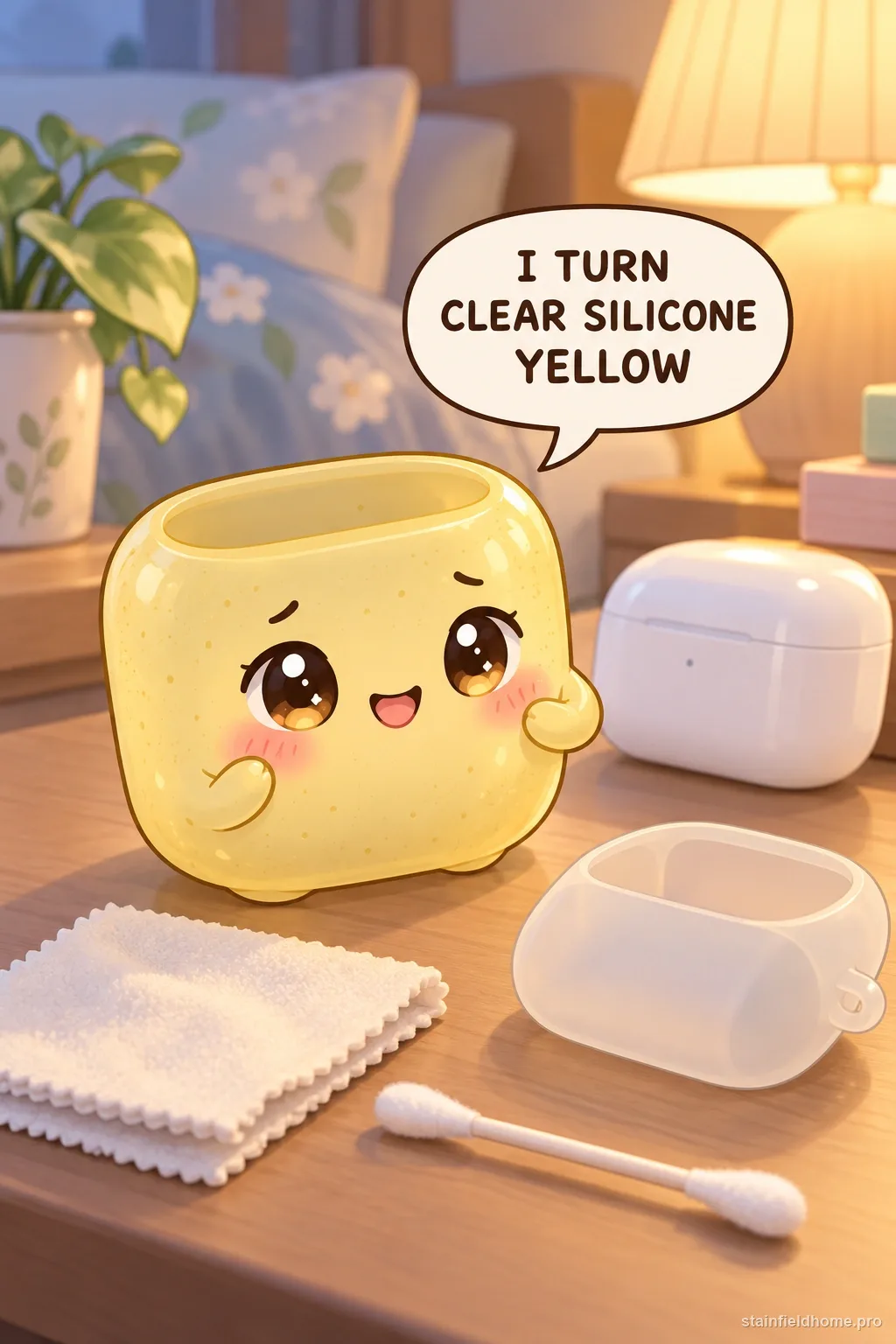
The quick answer
Remove the AirPods charging case from its silicone cover before cleaning. Wipe the silicone with a soft, slightly damp, lint-free cloth; if the accessory maker permits mild soap, use only a small amount and rinse by wiping, not soaking electronics. If yellowing remains after the surface is clean, it may be oxidation or absorbed oil rather than removable dirt.
What you’ll need
- soft lint-free cloths
- fresh water
- mild hand soap only if the silicone-case maker allows it
- cotton swabs for exterior grooves
- dry towel
- original accessory care instructions
Take the charging case out first
Every cleaning step here assumes the silicone skin is off the AirPods case and the electronics are nowhere near the water. Peel the cover off completely. Now you are cleaning a small piece of rubber, which is far more forgiving than cleaning it while it is wrapped around a device with a battery and an open charging port.
Wipe the actual AirPods case separately with a dry or barely-damp cloth per Apple's guidance, keeping moisture out of the port and the lid hinge.
Removable dirt versus permanent yellowing
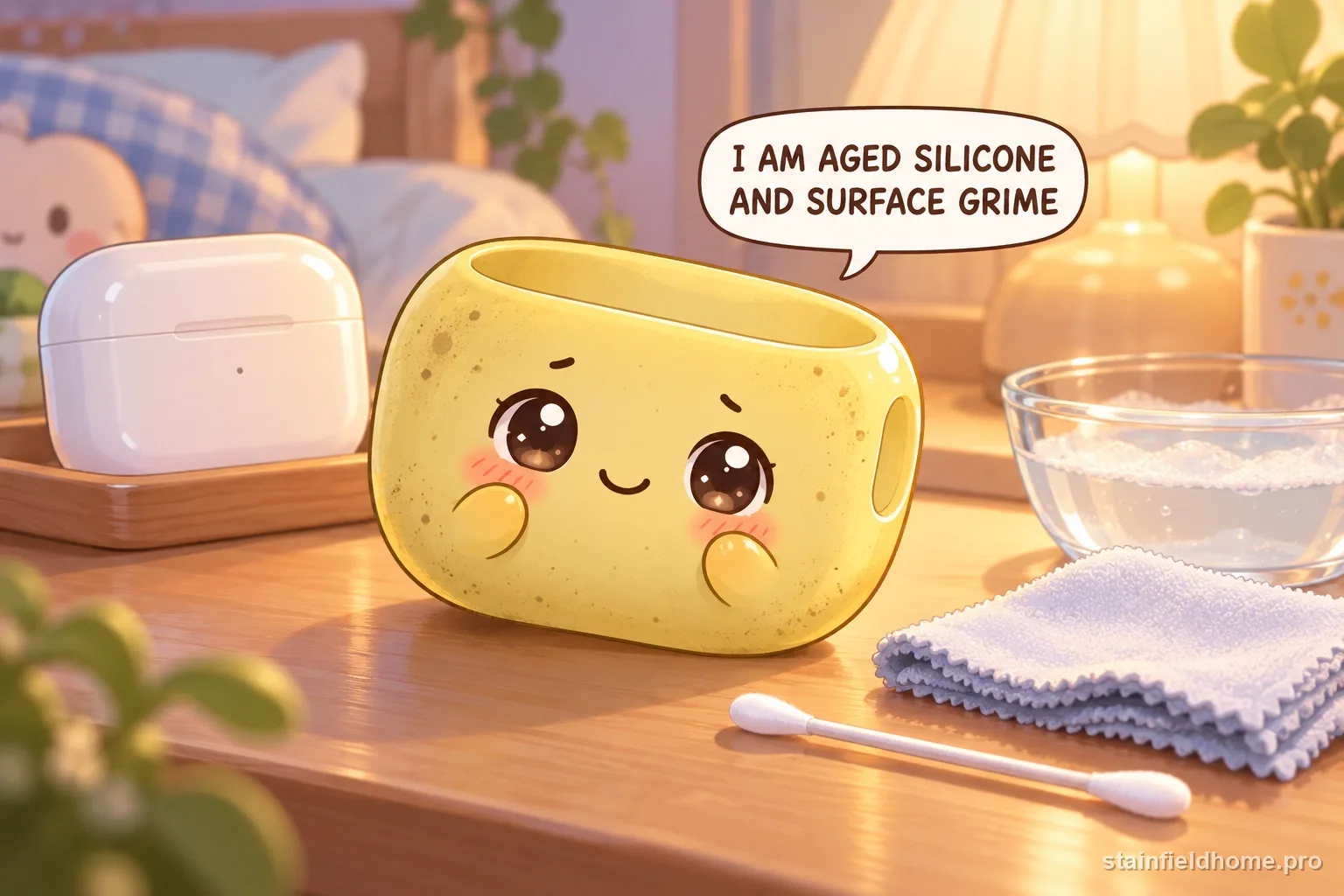
Two different things look similar on a clear or white silicone case. Surface grime — grey-brown, sits in the texture and around the edges, comes off on a soapy cloth. Yellowing — an even amber cast across the whole case, often worse on the side that faces out of a pocket — is the silicone itself reacting to UV light, heat, and skin oil over time.
Cleaning removes the first and does nothing for the second. Before you spend an hour scrubbing, wipe one section well and see whether the color actually changes.
Cleaning the silicone safely
- 01
Wipe the whole case with a lint-free cloth dampened in plain water to lift loose grime.
- 02
If the case maker allows soap, put one drop of mild hand soap in a little water, dip the cloth, wring it, and wipe again.
- 03
Use a dry cotton swab, then a very slightly damp one, to get into the exterior texture and the lid cutout.
- 04
Wipe with a clean water-damp cloth to remove all soap film.
- 05
Dry it thoroughly with a towel and let it air-dry fully before putting the AirPods case back in — trapped moisture between the skin and the device causes corrosion at the contacts.
Grime in the seams and the port cutout
The dirtiest zones are the lightning/USB-C cutout rim, the lanyard-loop hole, and the parting line where the two halves of the skin meet. A dry toothbrush or a wooden toothpick wrapped in a sliver of damp cloth clears these without gouging the rubber.
Do not use a metal pick or a needle — a scratch in soft silicone becomes a permanent dirt trap that looks worse than the original grime.
Why clear and white silicone yellows
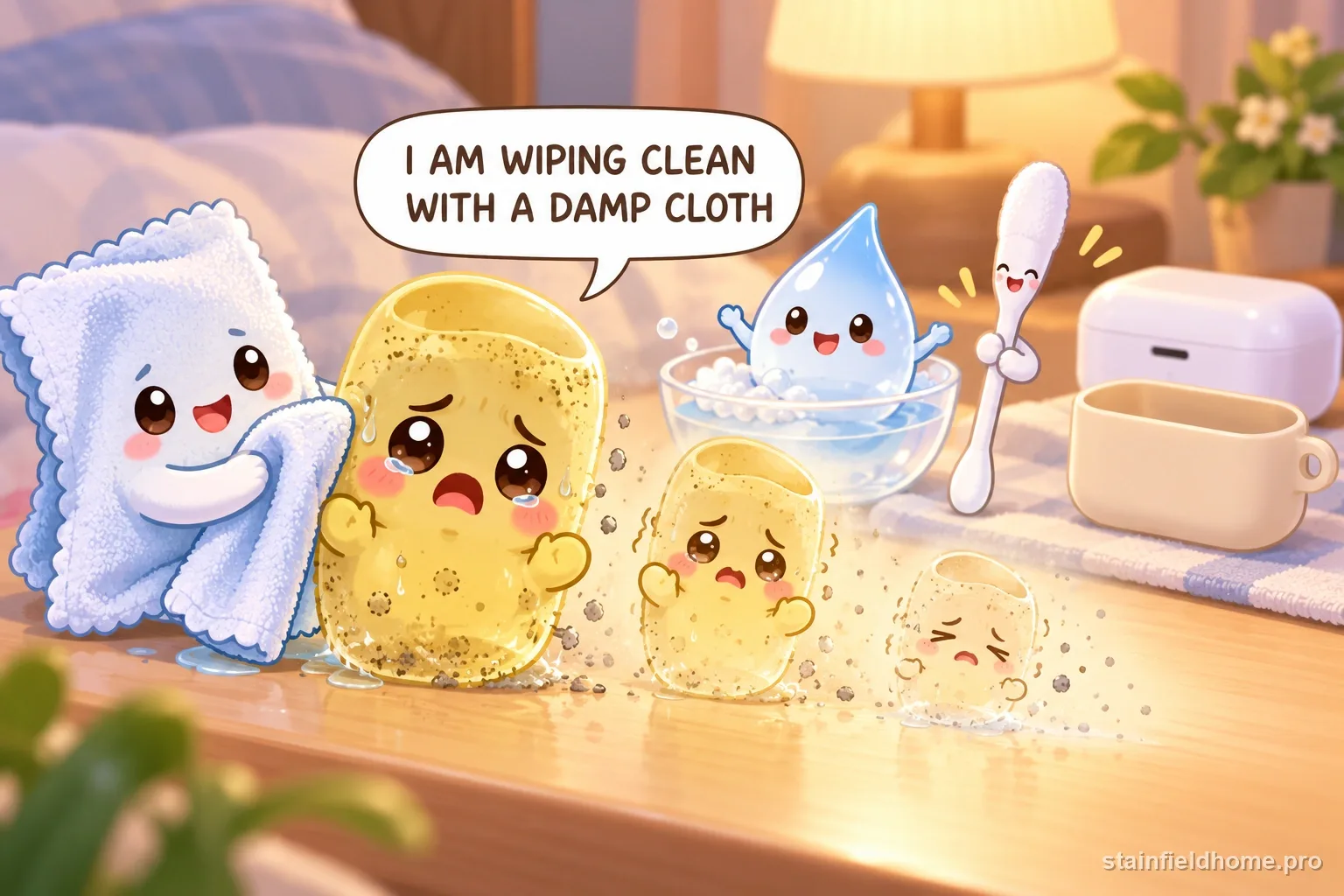
Silicone, especially the cheap translucent kind, yellows from a mix of UV exposure, ozone, heat, and reaction with oils and sunscreen. It is a chemical change in the polymer, not a coating of dirt, so there is no household product that reverses it — not soap, not baking soda, not a magic-eraser pad.
The 'hydrogen peroxide and sunlight' retrobright trick that works on old beige ABS plastic does not reliably work on silicone and can leave it chalky, brittle, or cloudy. A yellowed skin that is clean is simply at the end of its cosmetic life; a new one costs a few dollars.
What not to try
- Bleach or hydrogen peroxide soaks — they can degrade silicone and will not remove true yellowing.
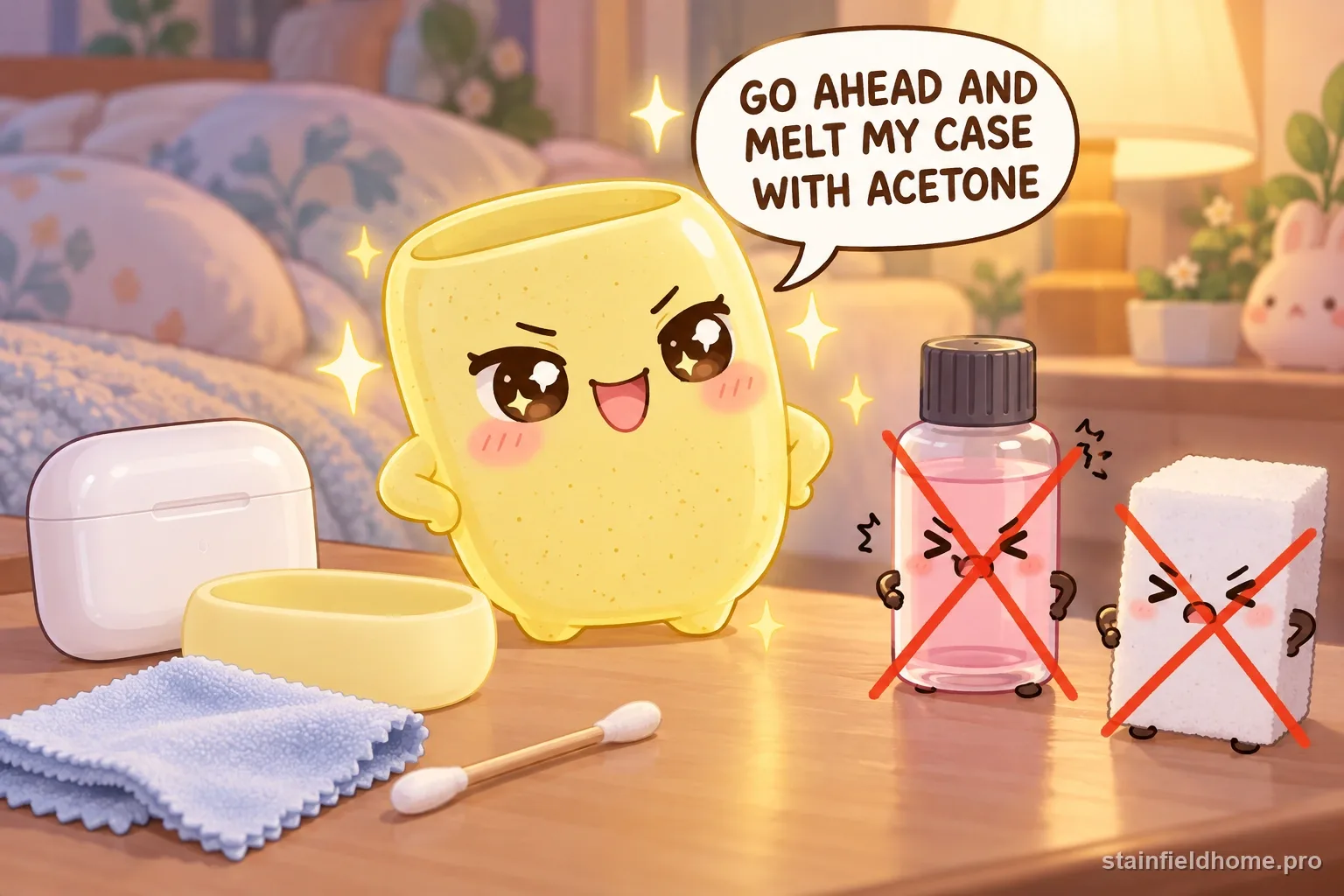
- Acetone, nail polish remover, or rubbing alcohol in quantity — these can make silicone swell, get tacky, or turn white.
- Melamine-foam 'magic erasers' — abrasive enough to dull the surface and create new dirt-catching micro-scratches.
- Putting the skin back on while it is still damp — moisture against the charging contacts causes corrosion.
Slowing the yellowing
- Wipe the case weekly so oil and sunscreen do not sit on it and accelerate the reaction.
- Keep it out of direct sun on a car dash or windowsill.
- Wash your hands before handling it after applying sunscreen or hand cream.
- Choose an opaque case over a clear one if long-term looks matter — pigment hides the amber shift.
Common questions
FAQ
Can I use hydrogen peroxide or sunlight to un-yellow the case?
No. The peroxide-and-sun 'retrobright' method is for old ABS plastic, not silicone. On a silicone AirPods skin it does not reliably remove the yellow and can leave the rubber cloudy, chalky, or brittle. True yellowing is a chemical change in the material and cannot be reversed — replace the skin.
Is it safe to run the silicone case under water?
The silicone skin alone, with the AirPods case removed, can be rinsed and wiped. Never rinse it while it is on the device. Dry the skin completely before reassembly, because moisture trapped against the charging contacts causes corrosion.
The case is stained where it wraps the AirPods case. Removable?
If it is grey-brown grime in the texture, yes — a soapy cloth and a damp swab lift it. If it is an even amber or yellow cast, that is the silicone itself aging from oil and UV, and no cleaner will bring it back.
Sources reviewed
Keep reading
Related guides
Spills and body oils on Bouclé sofas and chairs
How to Clean a Bouclé Sofa or Chair Without Flattening the Texture
Spot-clean a bouclé sofa or chair by its cleaning code, protect the looped pile from matting, and know which spills need a dry solvent instead of water.
Burnt-on grease and food residue on Air fryer basket
How to Clean Burnt-On Grease From an Air Fryer Basket
Break down baked-on grease in an air fryer basket with a soak and baking-soda paste, without scratching the nonstick coating or getting water near the heating element.
Permanent hair dye on Bathroom countertop
How to Remove Box Hair Dye From a Bathroom Countertop
Get permanent hair color off quartz, laminate, cultured marble, or sealed stone before it sets, using the mildest method the surface allows and never an abrasive pad.
Yellowed tape adhesive on Painted wall
How to Remove Yellowed Tape Residue From a Painted Wall
Take aged, hardened tape adhesive off painted drywall without pulling the paint, using warm heat, an oil to soften the gum, and the gentlest possible scrape.